
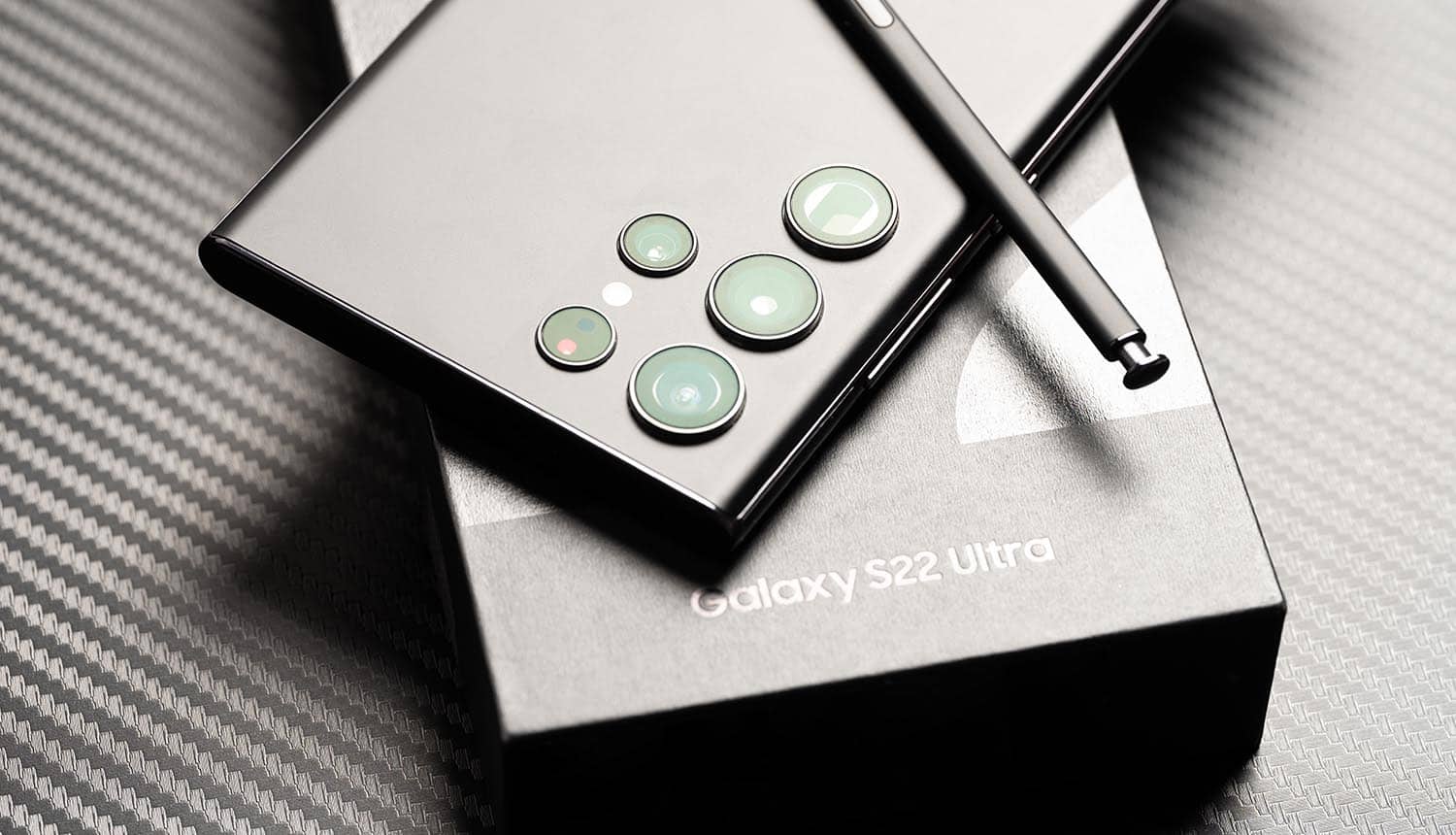

Ensuring your Samsung mobile phone is genuine is crucial to enjoying its full capabilities and avoiding potential security risks. By following these approaches and steps, you can confidently verify the authenticity of your device. However, when in doubt, it’s always best to seek assistance from an authorized Samsung store or service center to ensure you have a genuine Samsung mobile in your hands.
Check the Packaging
The first step in verifying the authenticity of a Samsung mobile phone is to check its packaging. Genuine Samsung phones come in high-quality, well-sealed boxes with proper branding and trademarks. Here’s what to look for:
Seals and Stickers: The packaging should have tamper-evident seals and stickers. If these are missing or look tampered with, it could be a red flag.
Branding and Logos: Inspect the Samsung logo and other branding elements on the box. They should be clear, sharp, and free of typos or smudges.
Information Labels: Check the labels for details such as the model number, serial number, and IMEI number. These should match the information on the device itself.
Inspect the Physical Device
Once you have unboxed your Samsung phone, closely inspect its physical attributes. Genuine Samsung phones are known for their high-quality construction and attention to detail. Consider the following:
- Examine the phone for any signs of poor craftsmanship, such as uneven seams, loose buttons, or inconsistencies in the screen.
- Look for the Samsung logo on the device. It should be precisely printed and free from errors. Fake phones often have logos that are slightly off or smudged.
- Genuine Samsung phones use premium materials. If the phone feels cheap or flimsy, it might be a counterfeit.
Verify the IMEI Number
The International Mobile Equipment Identity (IMEI) number is a unique identifier for your phone. Verifying the IMEI number is a reliable way to check if your Samsung phone is genuine. Here’s how you can do it:
Dial *#06#
Open the phone’s dialer and enter this code. The IMEI number will appear on the screen.
Check the Box
Verify that the IMEI number on your phone matches the one on the box.
Use IMEI Check Service
For a more detailed verification, use IMEIcheck.net. This service provides comprehensive information about your device, including its status, authenticity, and other characteristics. By using this service, you can ensure your Samsung mobile is legitimate. Additionally, you can perform a Samsung IMEI number check online to cross-verify details.
Use Official Samsung Apps
Samsung provides official apps that can help you verify the authenticity of your phone. One of the most useful tools is the Samsung Members app, which offers diagnostic features and support. Here’s how to use it:
- Download the App
- Go to the Google Play Store and download the Samsung Members app.
- Sign In: Log in with your Samsung account.
- Diagnostics: Use the app to run diagnostic tests on your phone. These tests can help you identify any issues and confirm the phone’s authenticity.
Check the Software
Legitimate Samsung phones come with Samsung’s official software. Checking the software can help you determine if your phone is genuine. Follow these steps:
Go to the Settings menu and navigate to “About Phone”
Look for the software version and model number.
Ensure that the phone is running the latest version of the Samsung software. If the software looks unfamiliar or the model number doesn’t match, your phone might not be genuine.
Performance Test
Testing the performance of your Samsung phone can also help you verify its authenticity. Genuine Samsung phones have powerful hardware that supports smooth multitasking and high-quality camera functions. Here’s what to do:
- Open several applications at once and switch between them. Genuine Samsung phones should handle this smoothly without lagging.
- Take photos and videos using the phone’s camera. Check the quality and compare it to reviews or samples from genuine Samsung phones. If the camera quality is poor, it might be a fake.
- Observe the battery performance. Genuine Samsung phones typically have good battery life. If the battery drains quickly, it could be a sign of a counterfeit device.
By following these steps, you can ensure that your Samsung mobile phone is genuine. Checking the packaging, inspecting the physical device, verifying the IMEI number, using official Samsung apps, checking the software, and testing the performance are all effective ways to confirm the authenticity of your device. If you have any doubts, it’s best to visit an authorized Samsung store or service center for further verification. Ensuring you have a genuine Samsung phone not only guarantees optimal performance but also protects you from potential security risks associated with counterfeit devices. Using services like IMEIcheck.net can provide additional peace of mind by offering detailed information about your device’s legitimacy.
